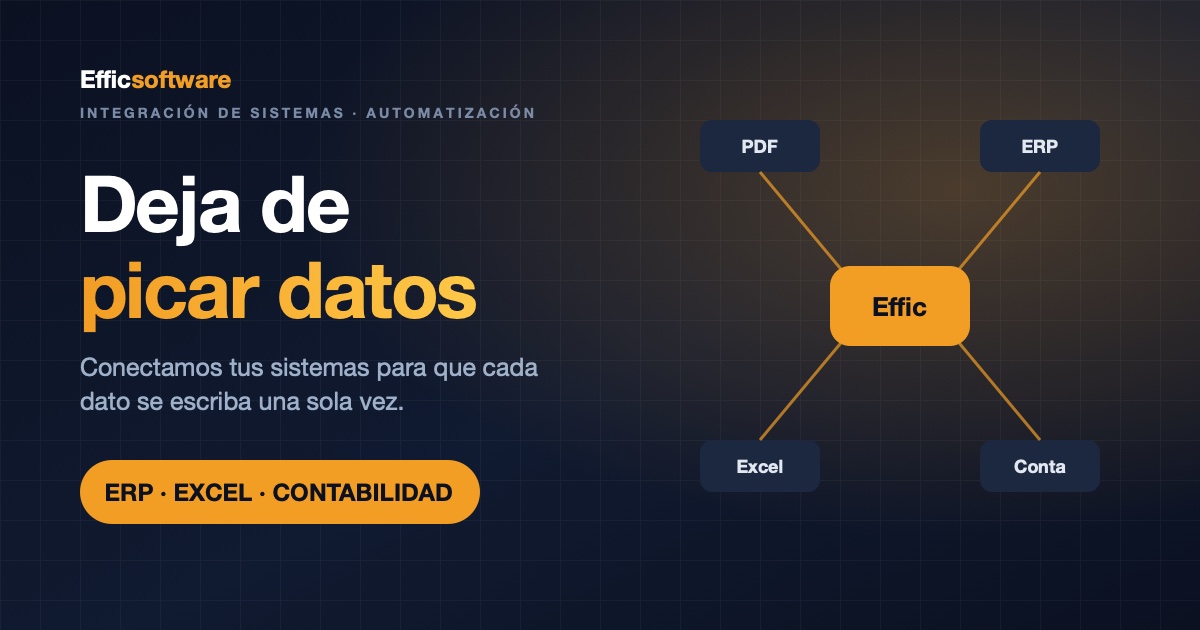
A supplier invoice arrives as a PDF. Someone opens it and types the supplier, the amounts and the VAT into the ERP. Then they copy it into an Excel sheet "to keep track". At month-end, the external accountant types it all again into the accounting software. The same data, keyed in four times by three different people.
That is re-keying data: manually entering information that already exists somewhere else. It happens in almost every company that has added software over the years without anyone connecting the pieces. This article explains how to work out what it costs you and what options you have to stop doing it, without replacing your software.
Why do companies end up re-keying data?
Nobody decides to. You buy an ERP to run operations, your accounting firm keeps the books in its own software, customers send orders by email and suppliers send invoices as PDFs. Each piece works fine on its own. The problem is the gap between them, and that gap gets filled by a person.
The warning signs are easy to spot:
- The same customer is set up in three programs, with different details in each.
- Supplier invoices are typed in by reading the PDF.
- There's an intermediate Excel sheet "to transfer later" into the real system.
- Your accountant re-types what you had already entered.
- Only one person knows how the data gets moved from one place to another.
What re-keying data really costs
The cost never shows up on an invoice, which is why it gets underestimated. It has three parts.
Time
This is the part you can calculate. Multiply the number of people entering data by hand by the hours they spend on it each week, by the working weeks in a year and by their fully loaded hourly cost. With your own figures, you get an annual number that usually comes as a surprise. You can run the numbers in the calculator on our systems integration page.
Errors
Every time data is typed in, there's a chance to get it wrong. A single swapped digit means an incorrect invoice, a wrong order or a payment that doesn't reconcile, and it's usually discovered late, when fixing it costs more.
Delay
If data passes through three pairs of hands before it reaches the place where people look it up, it always arrives late. Decisions get made on last week's snapshot.
Three ways to stop re-keying data
You don't need to replace the software that already works. The job is to add the missing connections, and there are three ways to do it depending on what each program allows.
1. Connect via API or web service
Many ERPs, CRMs, online stores and accounting packages provide a gateway that lets other programs read and write data. If one exists, the integration is direct: whatever goes into one system appears in the other without anyone copying it.
2. Read documents with AI
When the data arrives inside a document, such as a supplier invoice, it can be read automatically from a PDF, Excel, XML or CSV file, or even a photo. The key is not to save blindly: the data is cross-checked against the supplier record and a person confirms it with one click. No more typing, but still a human review.
3. Export in a format the destination already understands
If the target program has no API, it can almost always import some kind of file. Accounting is a case in point: generating the accounting import file, such as the one for A3 (a widely used accounting package in Spain), lets you load the period's invoices in a single step instead of keying them in entry by entry.
Where to start
- Map the path your data takes. What comes in, into which program, who moves it where and how many times.
- Pick a single process. The one that eats up the most hours, not the flashiest one.
- Run manual and automated side by side until the new process has been validated with real data.
- Measure the hours freed up and use that result to choose the next process.
To work out whether it pays off, you'll find the full method in how to calculate the real ROI of automating a process.
How we do it at Effic Software
We have integrated an industry-specific ERP for a group of four companies via web service, we use AI to read supplier invoices in bulk, we generate the A3 accounting import file and we expose an API so that an ERP such as Odoo can issue documents without anyone re-typing them. It all starts with a free assessment in which we map the path your data takes and rank your processes by the hours they could give back.
You'll find the details and the calculator in systems integration: stop re-keying data.